AI Image Translator: Translate Images and Photos Online
Translate text in photos of menus, signs and product packaging, as well as screenshots and graphics. Upload your image, choose the languages and download a new image with translated text, plus a separate text copy.
or drag and drop
JPG, JPEG, PNG and WebP images
- Free preview before payment
- Encrypted upload · delete anytime
- Translated image + text file
Real image translation examples
Example output: translated text is placed back into a copy of the image; exact font and line breaks can vary by source.
Café menu
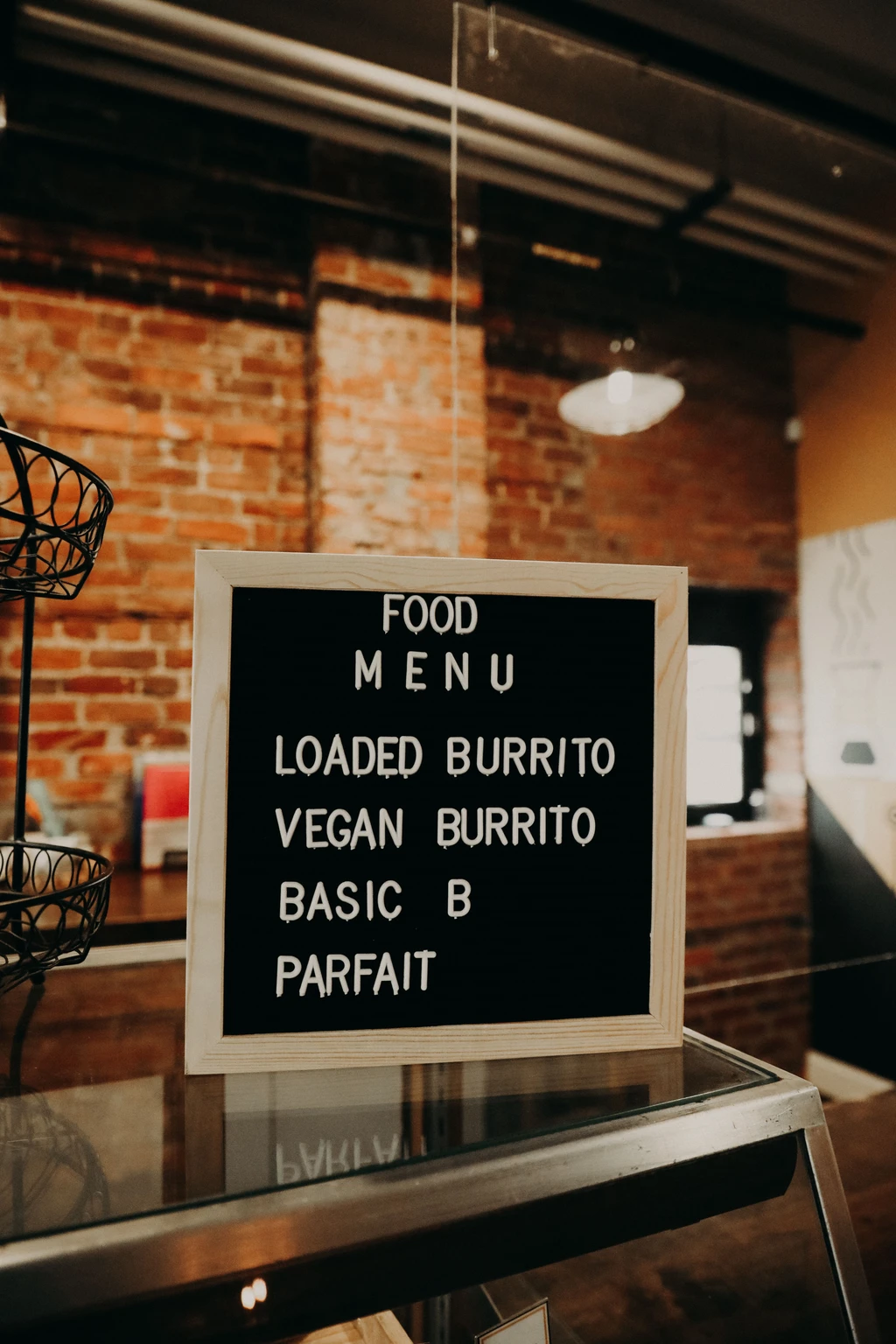
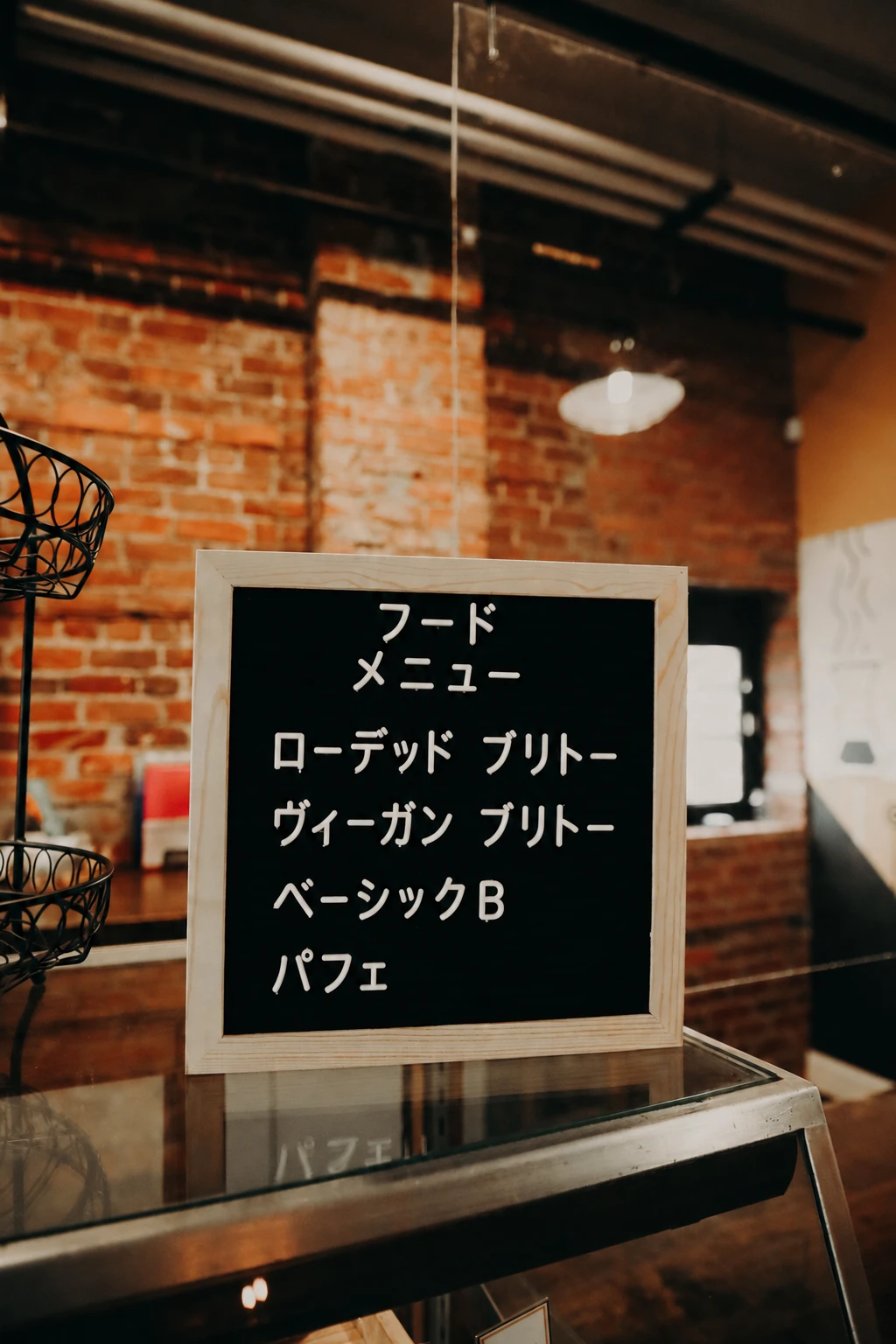
Park notice
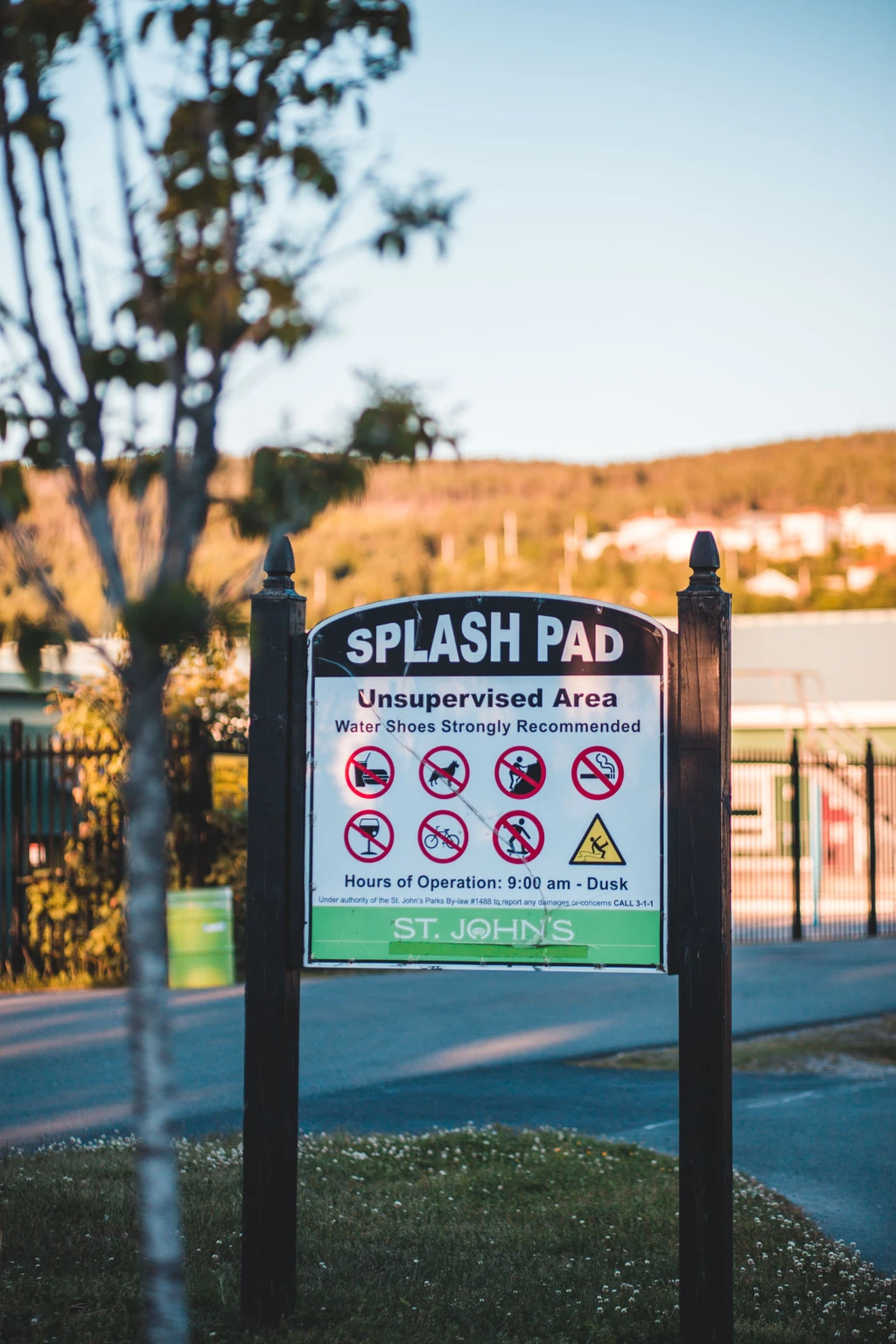
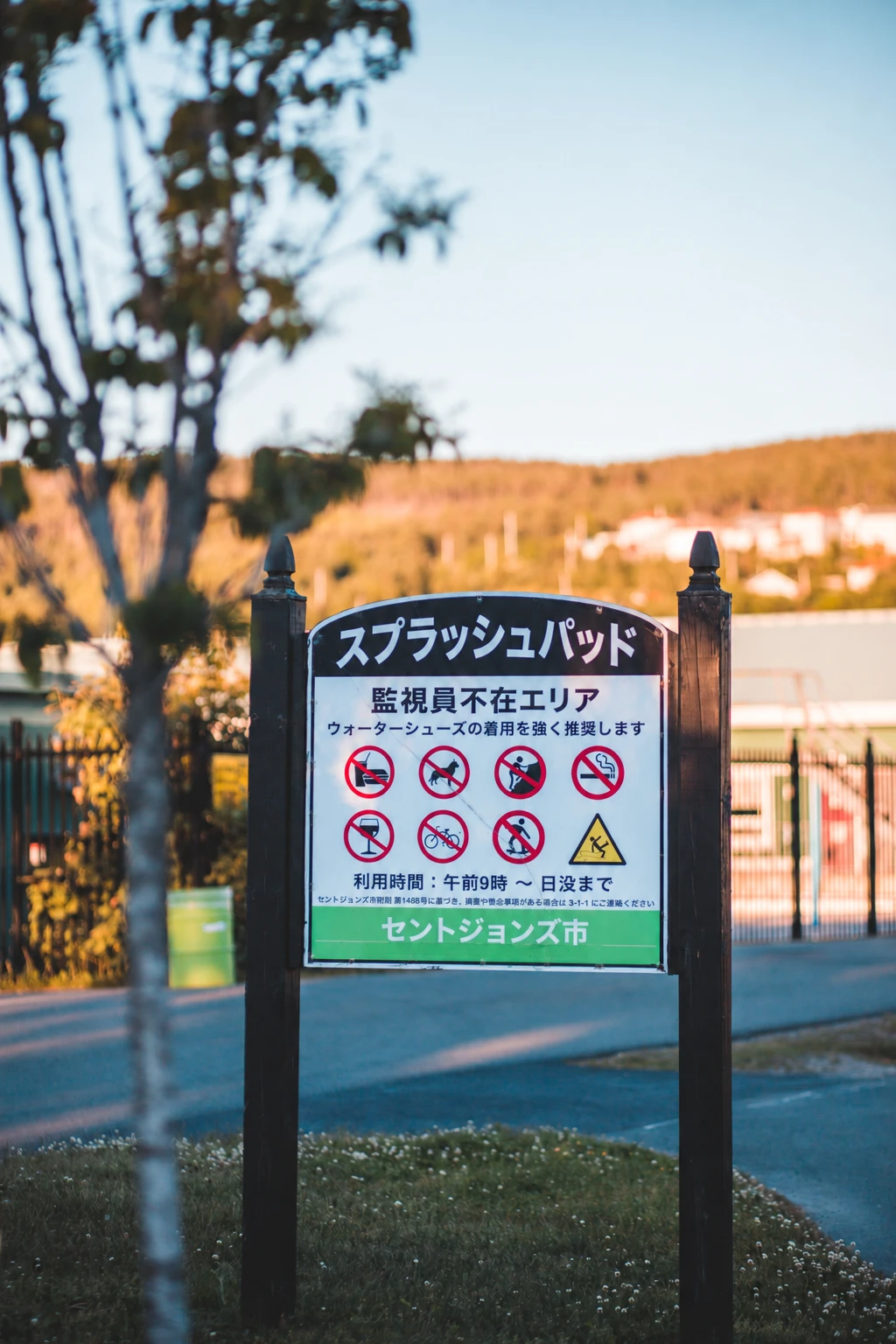
Explore real menu, sign and packaging translations
Compare three English photos with Japanese translations. The examples include the original images, Pro settings and notes on small print, ingredients and numbers, followed by a poster translation walkthrough.
View real photo translation examples and the guideJPG, PNG, JPEG and WebP Image Translator
Upload common photo, screenshot and web-image formats. Clear, high-resolution text produces the most reliable recognition and placement.
- JPG / JPEG – Camera & Smartphone Photos
- Perfect for photos or screenshots captured on phones, DSLRs, or compact cameras. Our OCR handles compression artefacts and lighting variations common in JPGs.
- PNG – Lossless Graphics & UI Mock-ups
- Ideal for UI designs, infographics, diagrams, or any image with sharp text on transparent or solid backgrounds. PNG's lossless nature delivers crisp OCR results.
- WebP – Modern Web-Optimised Images
- Google's WebP keeps files small without losing clarity. We support both lossy and lossless WebP variants for speedy uploads and accurate translation.
Why Choose Our Image Translation Service
A transparent workflow, reviewable output and clear limits
- OCR + Context-Aware Translation
- The service first detects visible text, then translates complete passages so headings, labels and nearby sentences can inform the wording.
- Dual Output: Translated Image + Text
- Download the translated image with text replaced on the original layout, plus a separate text file for easy copying and sharing.
- No Sign-Up, Pay Only for What You Use
- Uploading and previewing are free. The exact credit amount or one-time price is shown before payment; no subscription is required.
- Privacy & One-Click Deletion
- HTTPS encryption, zero model training on your data, and optional instant file deletion keep your images private.
- Layout-Aware Text Replacement
- The translated text is placed into a new copy of the image while keeping the background and layout where possible. Preview the result because fonts, spacing and line breaks may change.
- Free Preview Before You Pay
- Preview a portion of your translated text for free. Once satisfied, pay to unlock the full translated image download—no commitment until you're ready.
How Image Translation Works
Detect, translate and place text back in three reviewable steps
- Step 1 – Detect Visible Text
- OCR scans the image for visible text and records its approximate position. Clear, high-resolution source images produce the most dependable input.
- Step 2 – AI Translation
- Related lines are translated together so headings, labels and nearby sentences can inform the wording. Review names and specialist terms in the preview.
- Step 3 – Place the Translation
- A new image is generated with translated text placed near the original locations where possible. Check font, spacing and line breaks, then download the image and text copy.
Use Cases
Popular Use Cases
Manga & Comics Translation
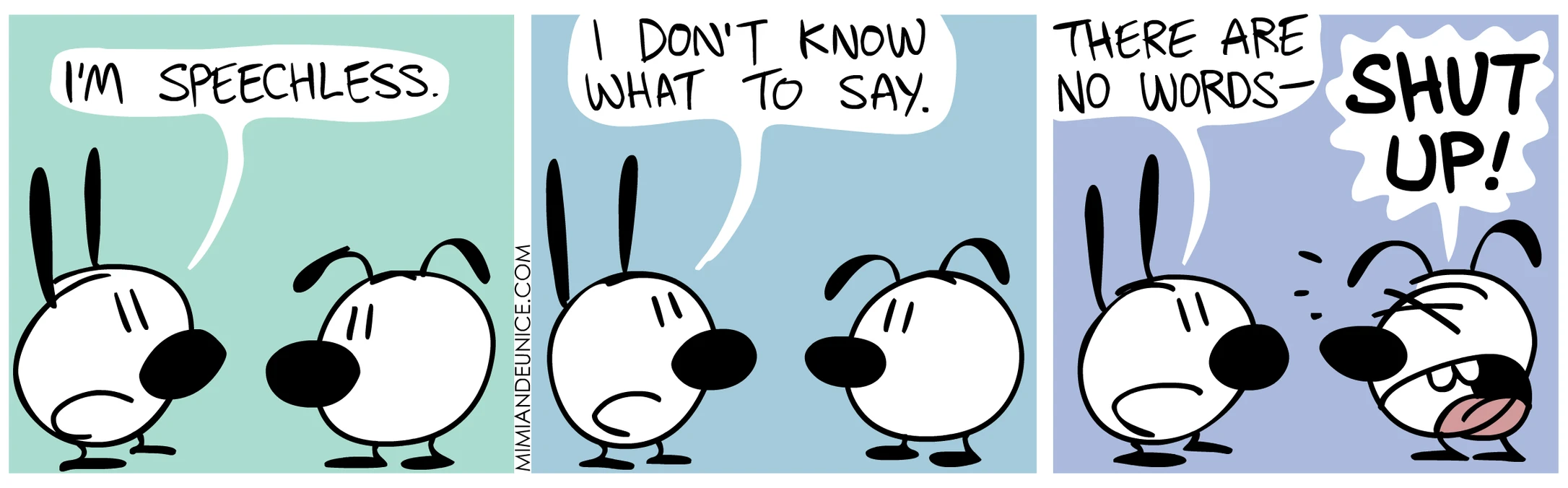
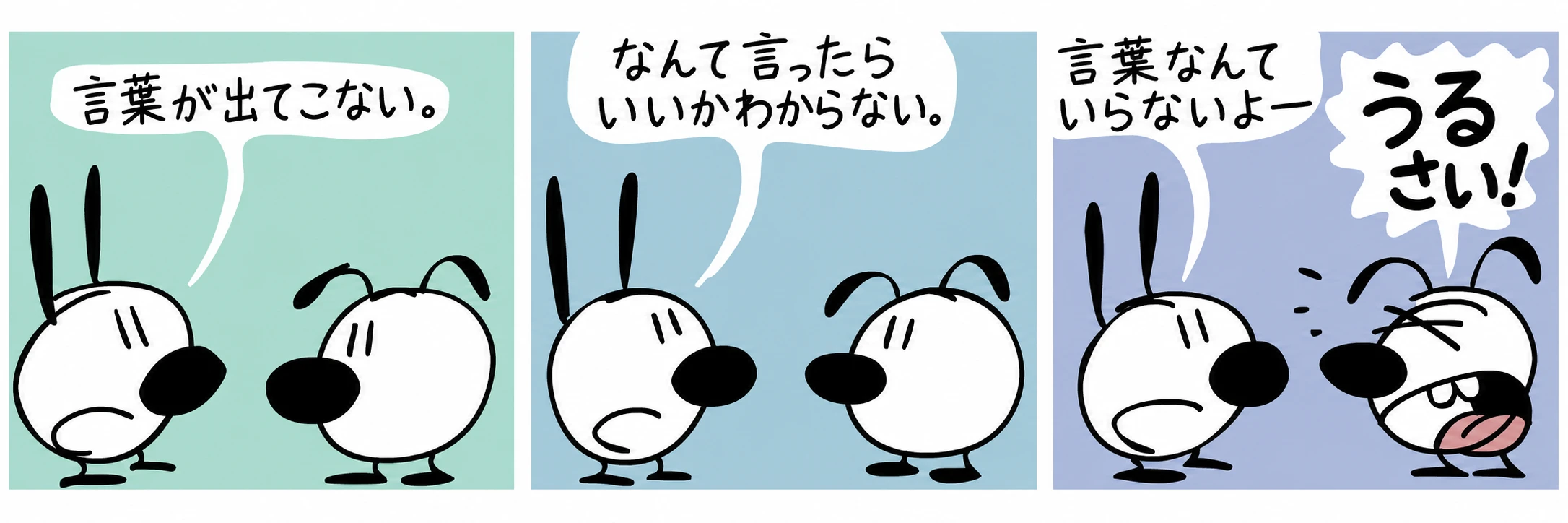
Read your favorite manga in any language. Translate speech bubbles and sound effects from Japanese manga, Korean manhwa, or Western comics while preserving the original art and layout.
Travel & Tourism
Translate restaurant menus, street signs, and museum placards for instant understanding.
E-Commerce Localisation
Translate product-spec images or flyers for international marketplaces.
Academic & Research
Extract and translate charts, diagrams, or handwritten notes embedded in lab photos.
Social Media & Marketing
Localise Instagram posts or infographics while preserving design.
Recipe & Menu Translation
Never miss a secret ingredient again. Translate foreign recipes, cooking instructions, and restaurant menus to follow authentic dishes from around the world.
Game Screenshot Translation
Play foreign games without language barriers. Translate game UI, quest descriptions, dialogue boxes, and item descriptions from screenshots of games in any language.
Best Practices for Crisp Results
Follow these tips to get the best results from your image translations
- Use High-Resolution Images
- Use the original photo at full resolution. Move closer until small print is readable, keep the whole label in frame and avoid glare or motion blur.
- Ensure Good Contrast
- Dark text on light backgrounds (or vice versa) improves detection accuracy.
- Photograph Text Straight On
- Face menus and signs directly. For curved packaging, take a close-up of each text area so letters and table rows stay readable.
- Combine Small Images
- Combine small icons or label snippets into one image to save time and cost.
FAQ
Image Translation FAQ
What image formats are supported?
jpg, jpeg, png, gif, and webp.
Can you translate handwritten text?
Clear handwriting can be translated, as shown in our café menu example. Small or stylized letters may be missed; compare dish names, ingredients and prices with the original.
Do you overwrite the original image?
No. We generate a new translated image with text replaced, plus a separate text file. Your original source file remains unchanged.
Is my image used to train AI models?
Absolutely not. Images are processed in real time via the OpenAI API and are never stored for training.
What affects image translation quality?
Low-resolution photos, glare, curved or rotated text, decorative fonts, handwriting and busy backgrounds can reduce recognition or alter placement, so crop unnecessary areas and check names, numbers and dates in the free preview. For legal, medical or safety-critical content, have a qualified professional review the final translation.
How do I translate a picture?
To translate text in an image, upload a JPG, PNG or WebP, choose the source and target languages, and check the free preview. Then download the translated image and a separate text copy. It works for photos of menus and signs, screenshots and other pictures with readable text.
How do I translate a picture from Chinese or Arabic to English?
Upload the picture, select Chinese or Arabic as the source language and English as the target. The translated text is placed back into a new copy of the image, and the same steps work for other language pairs.
Is image translation free?
Uploading an image and checking the preview are free, with no sign-up. You pay only to download the full translated image and text; the price is shown before payment and no subscription is required.
Privacy First
Security & Privacy
- Encrypted Transfers
- All uploads and downloads use HTTPS with HSTS enforcement.
- Immediate Deletion
- Delete your images manually at any time or let our system erase them automatically after 14 days.
- No Public Model Training
- Your content is never added to public datasets—period.
Related services
Explore other translation services that might interest you
Ready to Translate Your Images?
Upload an image, check the free preview, and download the translated image and text when the result is right for your file.