Translate Scanned PDFs with OCR
Text you cannot select or copy? Doc2Lang’s scanned PDF translator recognizes the text with OCR and translates scanned documents into your chosen language, keeping the page layout where possible.
or drag and drop
Scanned PDF · up to 50 MB
- Free first-page preview
- Keep the document layout
- Bilingual PDF download
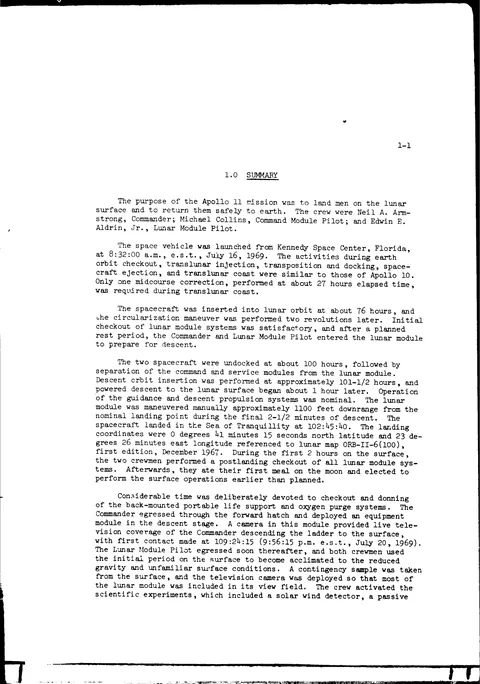
Scanned PDF translation example: NASA Apollo 11
We translated two scanned pages from NASA’s Apollo 11 Mission Report from English into Chinese: a mission summary and a table of events. Compare the actual output below.
- Image-only PDF · no text layer
- Pro model · Technical style
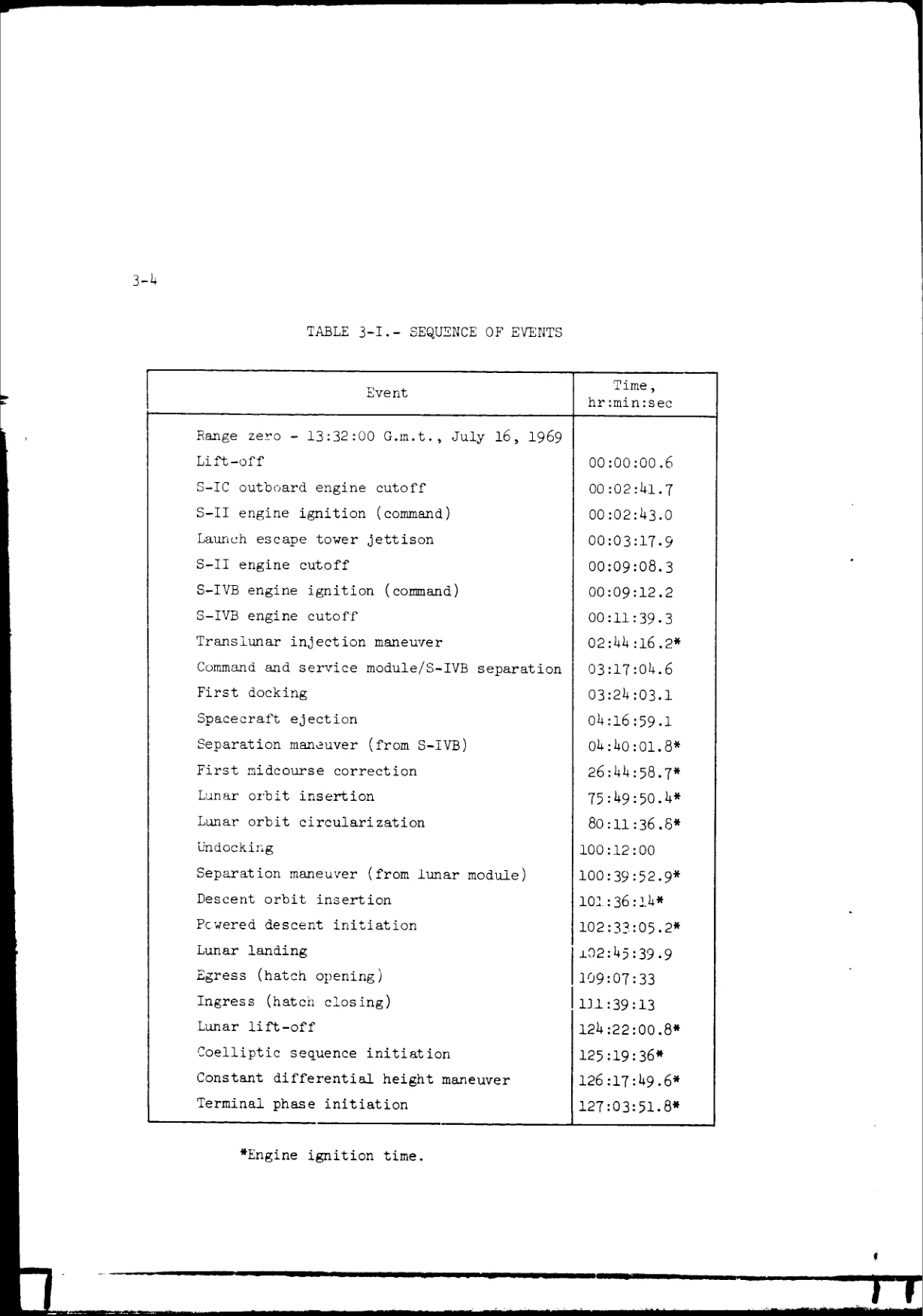
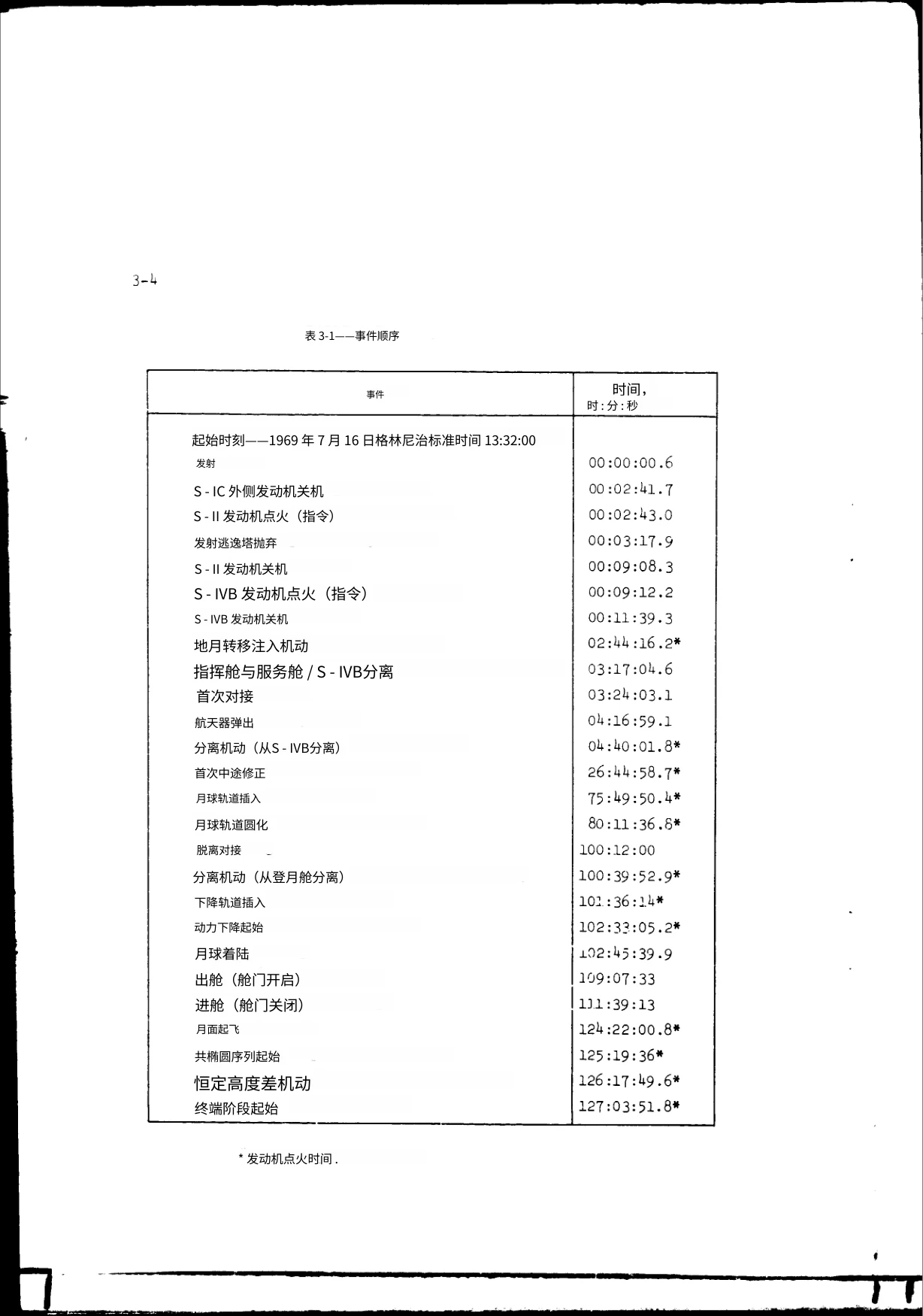
These are excerpts. Open either image to see the full page, or download both pages below.
The table keeps its columns, event order and timestamps. The time column remains part of the scanned image, not editable table data. Font sizes may vary; check names, numbers and technical terms before use.
Source PDF pages 12 and 18 (printed pages 1-1 and 3-4), converted to an image-only PDF. The downloads are unedited Doc2Lang output. NASA source report
How to translate a scanned PDF
Upload the scan
Upload a scanned PDF and select the source and target languages. Choose a translation style suited to your document.
Check the free preview
OCR recognizes the text before translation. Review the first page and download the sample to check the actual layout.
Translate and download
Check the price, unlock the full document and download a translated or bilingual PDF. No subscription is required.
Choose the PDF that works for you
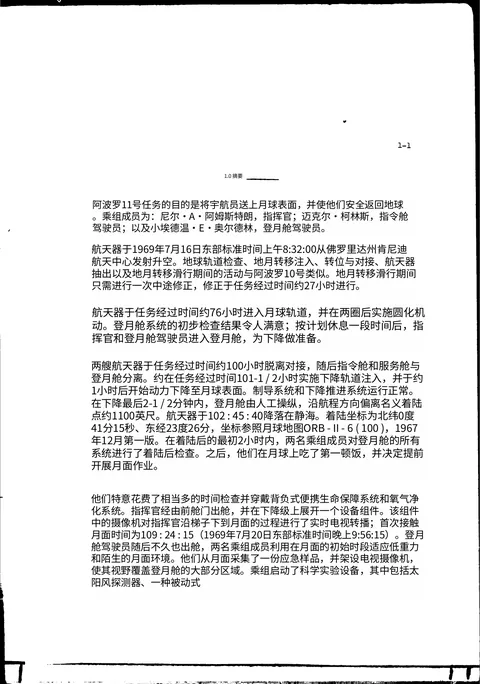
Translated PDF with background
Read the translation over the original document background, with tables and page elements retained where possible.
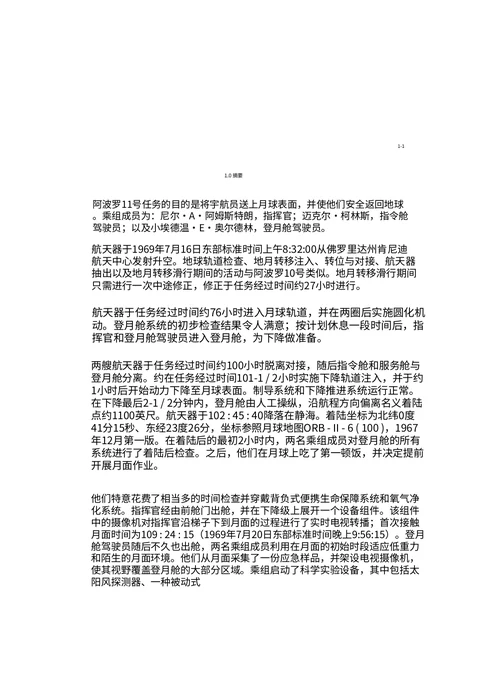
Text-only PDF
Download a version without the scanned background for a simpler reading view.
Bilingual PDF
Original and translated pages alternate, making it easier to compare passages and check details.
Already have selectable PDF text? Use our PDF translator. For a photo or screenshot, use image translation.
Scanned PDF translation questions
- Why does a scanned PDF need OCR?
- A scanned PDF stores each page as an image, so there is no text to translate yet. An OCR translator uses optical character recognition (OCR) to read the words on the page first, then translates them. This is what you need when you cannot select or copy text from the PDF.
- Will the tables and formatting stay the same?
- Doc2Lang aims to preserve the visual layout, including table columns and images. Translation length and scan quality can change line breaks and font sizes. Preserving a table’s appearance does not mean every cell becomes editable.
- Which languages can I translate into?
- Doc2Lang supports 100+ languages, including English, Chinese, Japanese, Korean, German, French, Spanish, Italian and Portuguese. Select your language pair when uploading.
- How accurate is OCR translation?
- Accuracy depends on the scan and the language. Clear printed text is easier to recognize than blurry or handwritten content. Check the preview, then review key names, numbers and terminology in the downloaded file.
- Is scanned PDF translation free?
- The first-page preview is free. Translating the full document is paid, with the price shown before payment. You can pay for a single document without a subscription.
- How long are my files kept?
- You can delete your files from the result page. If you do not delete them yourself, they are automatically deleted after 14 days. Download your results before then.
Preview your scanned PDF for free
Related services
Explore other translation services that might interest you