Translate research papers and academic articles
More than a basic academic paper translator, this AI tool handles research papers and academic articles without pulling apart their formulas, citations, tables, figures, or two-column layouts.
or drag and drop
Supported: PDF, Word, PowerPoint, Excel, CSV, EPUB, Subtitles (SRT, WebVTT, ASS), Video, Audio, Images
- Two-column layouts survive
- Bilingual PDF included
- Scanned papers via OCR
Try this online academic translator with no sign-up, and preview the result free before you pay.
A real translation result
A research paper translated from English to French
This real psychology paper includes charts, figures, and a two-column layout. Compare the English original with the French translation page by page.
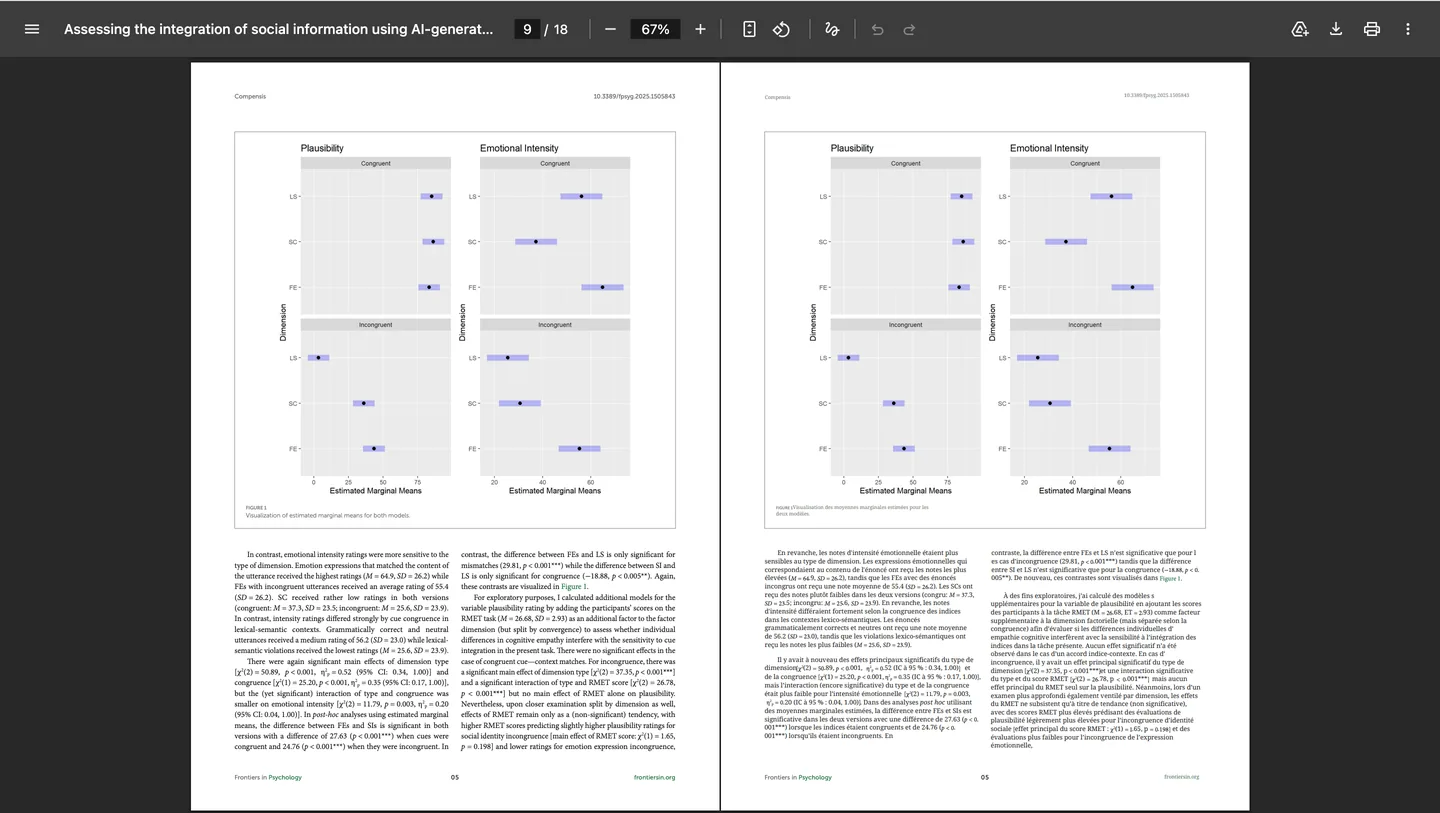
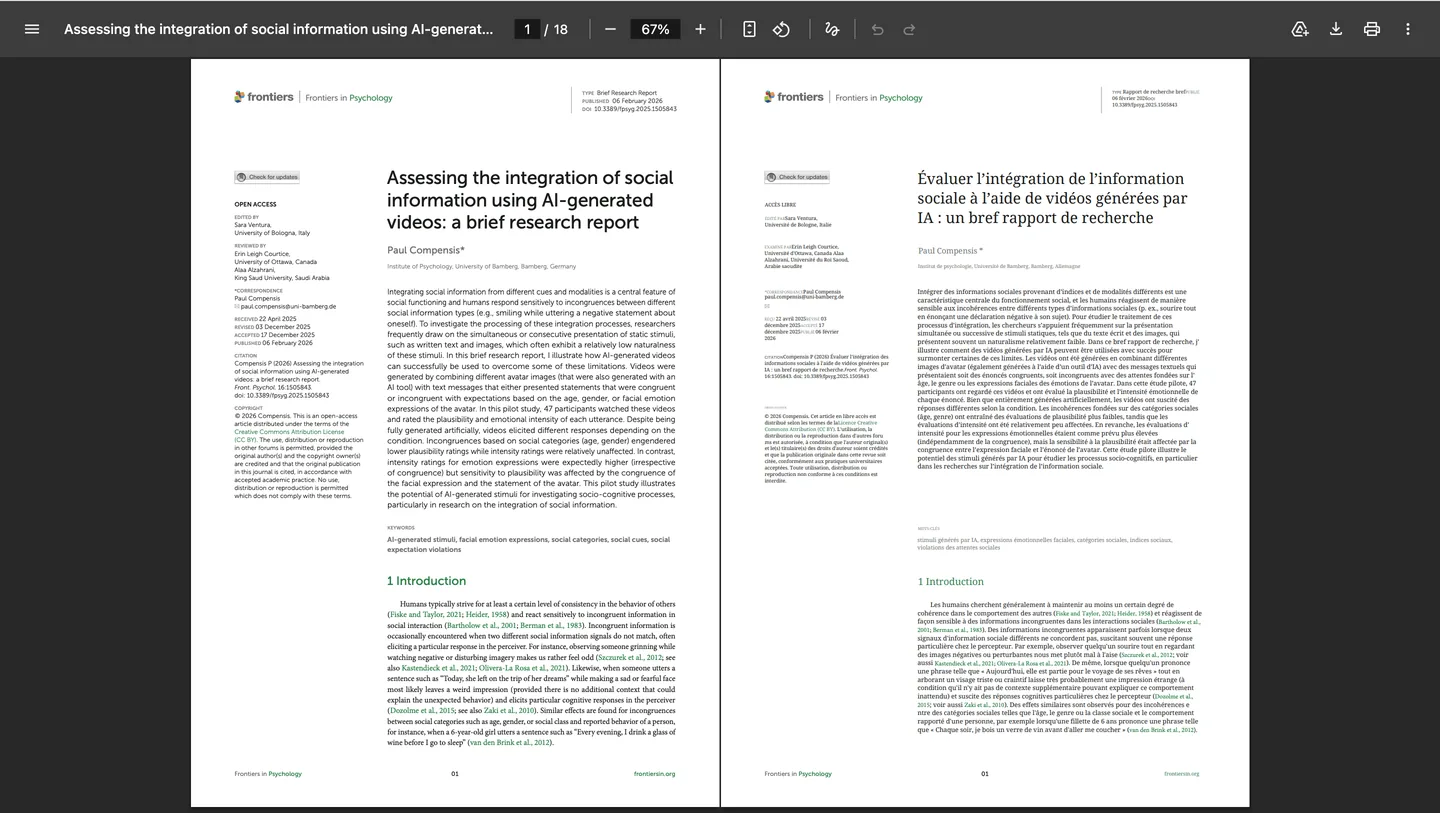
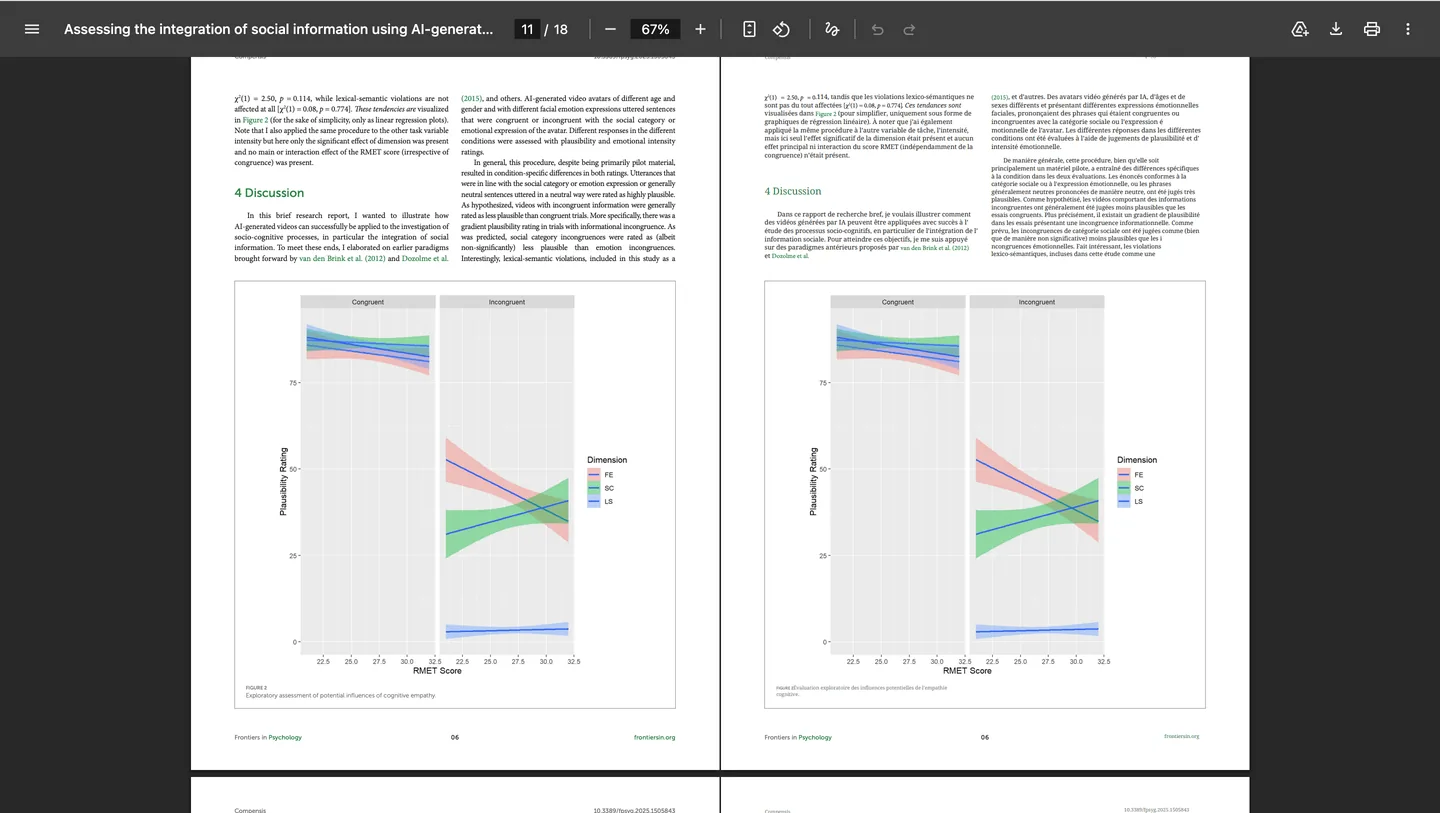
Original work, license, and translation notice
“Assessing the integration of social information using AI-generated videos: a brief research report”
Frontiers in Psychology 16:1505843 (2026)
Authors: Paul Compensis
The original article is licensed under CC BY 4.0. This unofficial version was machine-translated and reformatted by Doc2Lang. The author and Frontiers have not reviewed or endorsed it or Doc2Lang.
Common pitfalls
Why machine translation struggles with papers
General-purpose tools were not built for the way a paper is put together.
- Copying scrambles two-column text
- Most papers are typeset in two columns. Select the body text and the left and right columns interleave, so the translation jumps mid-sentence.
- Terminology drifts between sections
- Translate paragraph by paragraph and the same term comes out differently in each section. The further you read, the harder it is to tell which concept is which.
- Figures lose their captions
- When the translation arrives as one block of text, you can no longer tell which figure a description belonged to, or which table a footnote came from.
- Unpublished drafts are hard to hand over
- A manuscript under review, or a draft shared with collaborators, is not something you want to upload to a service that will not say where it is stored or whether it trains a model.
AI paper translator
An academic translation tool built around the page
An academic text translator that respects layout
Instead of returning loose paragraphs, we place each translated passage where the original text sat on the page. Two-column layouts, headings, citations, and text inside tables all land in the right place.
Check the translation against the source
Scientific paper translation is easier to verify when the source stays close. The bilingual PDF alternates original and translated pages, so you can flip back to check any sentence you want to quote.
One term, one translation, across the paper
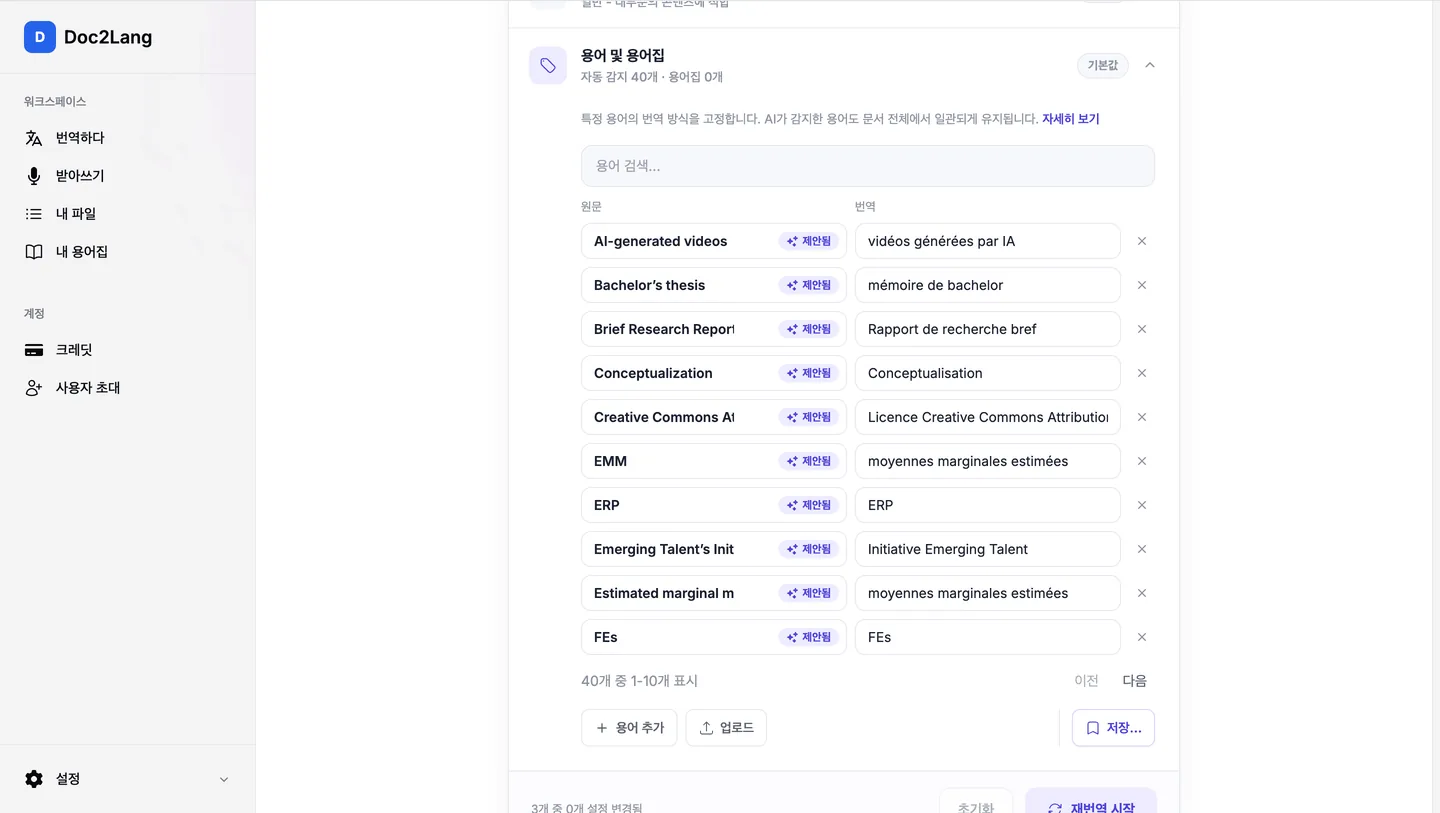
As it translates, the model collects the technical terms it encounters and reuses the same rendering for the rest of the document, so the first and last sections agree. You can also upload your own glossary to pin specific terms.
Scanned papers are read automatically
A PDF with no selectable text is detected as a scan, and built-in OCR reads it before translation. Nothing to prepare, no extra charge.
One translation, three PDFs
Pick whichever you need when you download.
Keeps the original figures, images and background, and swaps only the text. This is the one to read.
Drops the background and decoration and keeps just the translated prose. Handy when you want to work with the text itself.
Alternates the original page and the translated page, so you can put the two side by side whenever a passage matters.
Honest comparison
Three ways to read a paper in your language
Not which one is better, but which one fits what you are doing.
| Doc2Lang | Copy-paste into a translator | Upload the PDF to ChatGPT | |
|---|---|---|---|
| What you get back | A PDF with the original layout | Text on screen | Text in the chat |
| Columns and figures | Stay exactly where they were | Columns interleave as you copy | Not reproduced; the answer is prose |
| Consistent terminology | Aligned across the whole paper | Drifts paragraph by paragraph | Can be aligned if you ask |
| Checking against the source | Bilingual PDF comes with it | You line the two up yourself | Can print both if you ask |
| Asking questions about the content | Not supported | Not supported | Where it shines |
| Cost | From $2.90 per file | Free | Free tier available, with limits |
| Best when you want to | read it end to end with the figures, and keep a PDF | get the gist of a few lines | interrogate the paper while you read |
How it works
How to translate a paper in four steps
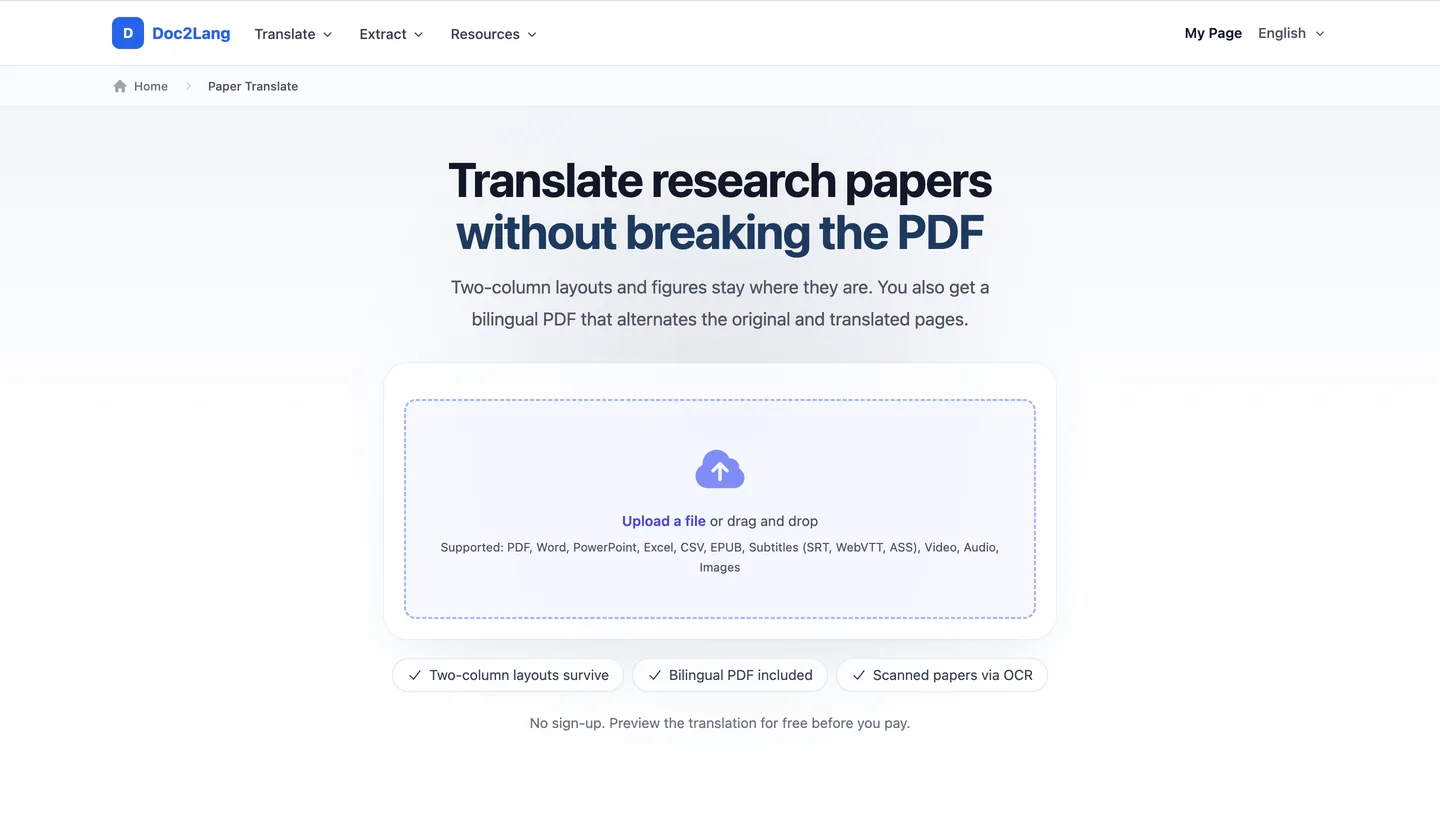
Upload the PDF
Drag your paper, in PDF or Word, onto this page. No account needed.
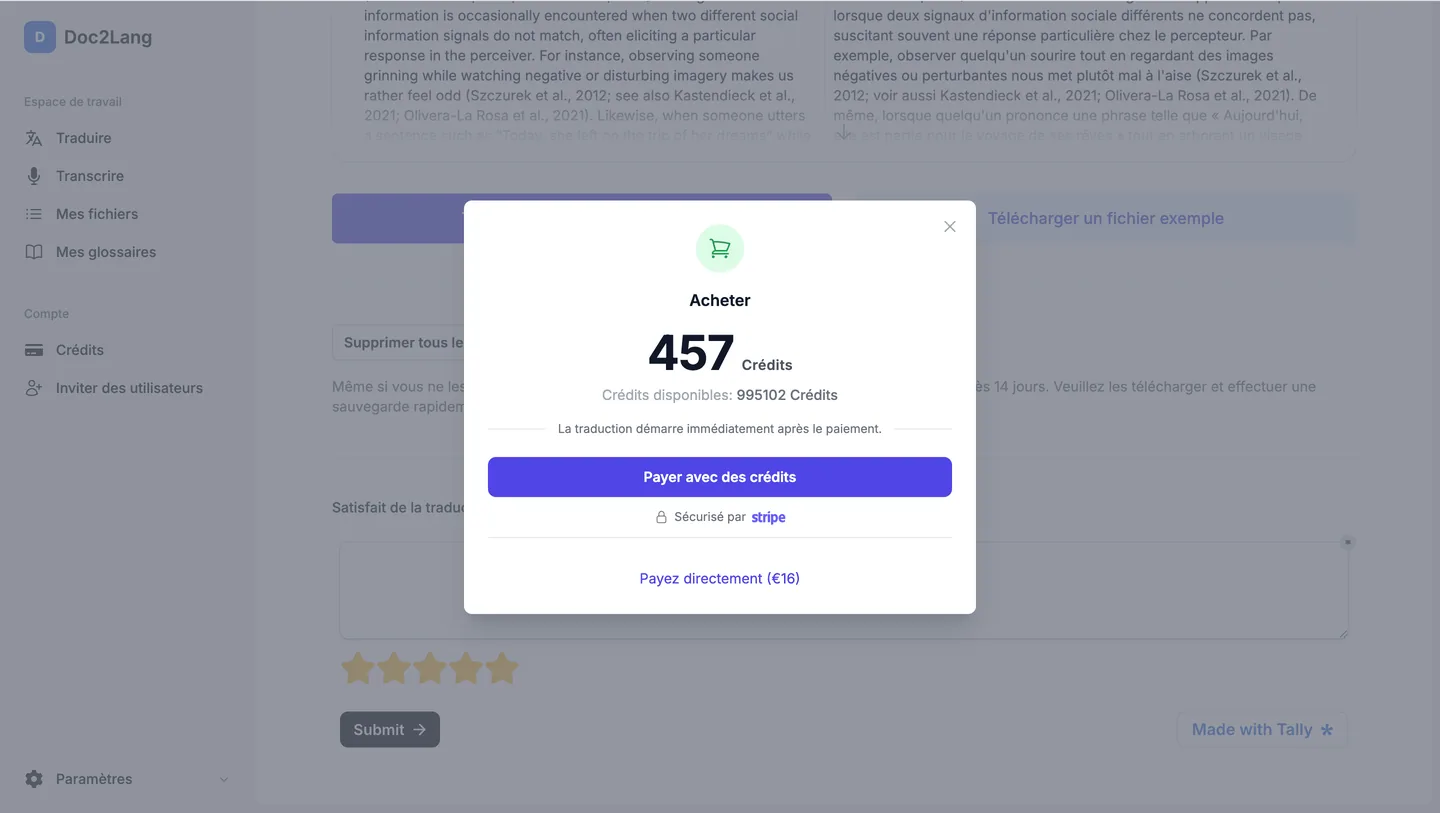
Preview it free
See the real translation and the real layout before paying. If it is not what you wanted, stop there.
Run the translation
It runs in the background. Close the tab if you like; we email you when it is done.
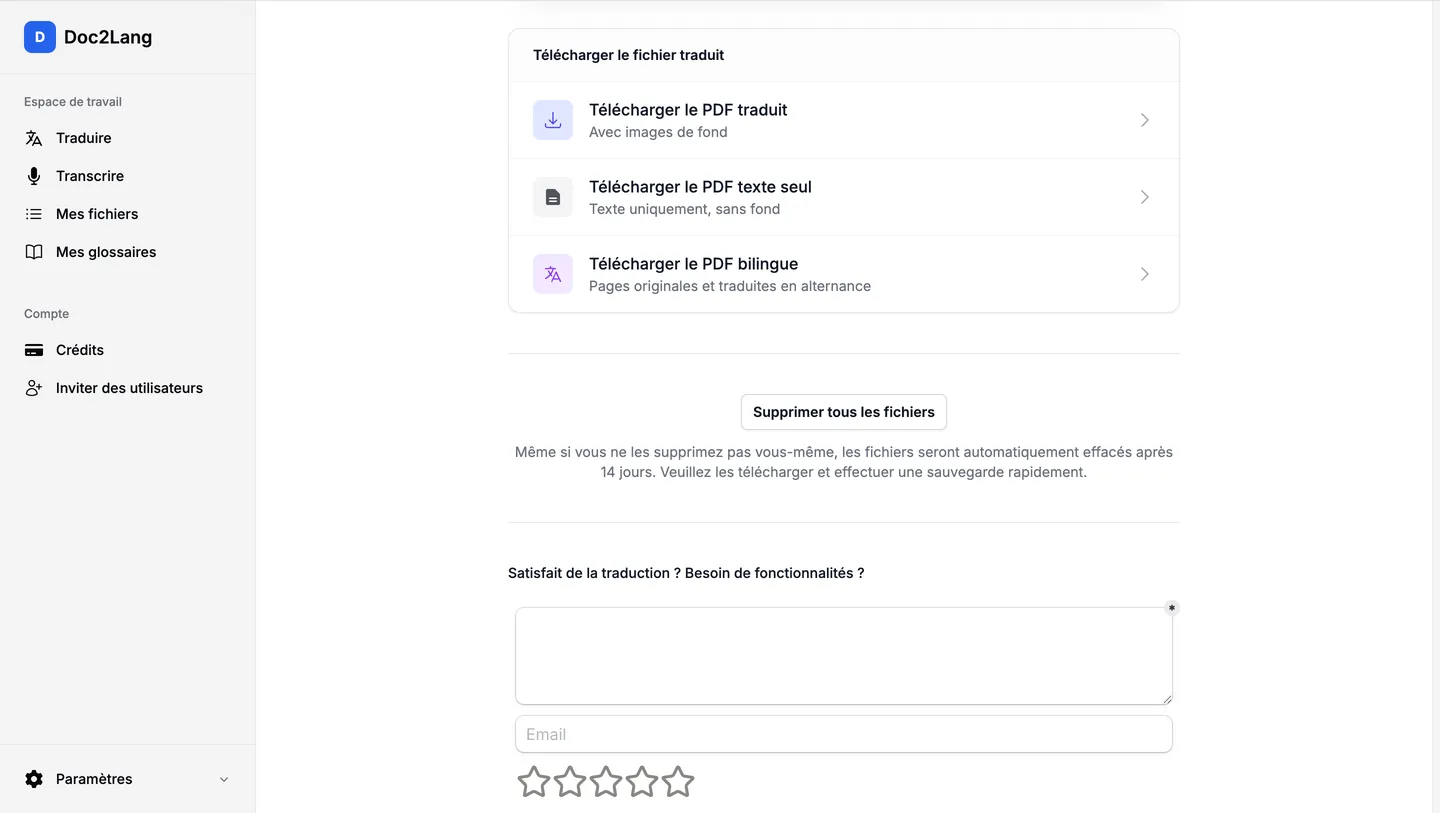
Download all three PDFs
Take the translated, text-only or bilingual version, whichever you need. One click deletes the file from our servers.
Pay as you go
No subscription, no monthly fee.
Preview before paying
Decide once you have seen the result.
Simple pricing
From $2.90 per file. The final price is shown before you pay.
Who uses it
Research papers, journal articles, theses, and more
- Students, theses, and dissertations
- Translate academic papers for a reading list or literature review, or translate a thesis or dissertation while keeping its citations and formatting. The bilingual PDF lets you verify any wording you plan to quote.
- Researchers and journal authors
- Translate scientific articles and academic articles from outside your field, then compare important passages with the source. Journal articles keep their figures, citations, and page structure.
- Academic PDFs and R&D documents
- Use the academic PDF translator for technical reports, whitepapers, and research shared across international teams. Because the layout survives, the figures travel with the text.
What it will not do
Worth knowing before you rely on it for a paper.
- Formulas and numbers are left untouched, in the original.
- The text-only PDF contains no figures or background. Choose the translated PDF if you want to keep them.
- On heavily typeset papers, some text positions and line breaks will not come out exactly as in the original. Check the free preview.
- This is machine translation. Treat it as an aid to reading: go back to the original for anything you quote or publish.
Your data stays yours
Safe enough for an unpublished manuscript
- Encrypted in transit
- Uploads and downloads are protected by industry-standard TLS.
- Delete whenever you like
- Once the translation is done, one click removes the file from our servers.
- Never used for training
- The OpenAI API we translate with does not retain the text you send.
FAQ
Questions we get about translating papers
- What happens if I put a research paper into Google Translate?
- Copying a two-column research paper into Google Translate can interleave the columns and separate figures from their captions. Doc2Lang places each translated passage where the original text sat, so the page structure remains readable. On unusual typesetting, some positions and line breaks may still shift, which is what the free preview is for.
- What happens to formulas and figures?
- Formulas and numbers are not translated and stay as they are. Figures, images and backgrounds are preserved in the translated PDF, with only the text on top replaced. Figure captions are translated like any other text, but they get no special treatment.
- Which files can the scientific translator handle?
- Upload PDF, Word (DOCX), or plain text. The academic PDF translator works for research papers, scientific articles, theses, and dissertations. For journal translation, uploading the PDF directly is the simplest way to preserve the published layout.
- Can it handle a scanned or older paper?
- Yes. A PDF with no selectable text is recognised as a scan, and OCR reads it before translation. You do not need to convert anything first.
- Will it get the terminology of my field right?
- As it translates, it collects the technical terms it meets and applies the same rendering throughout, so the paper stays internally consistent. If you need particular terms rendered a particular way, upload your own glossary.
- Is there a free trial, and how much does it cost?
- You can try academic translation online for free, without an account, and pay only once you have seen the preview. Pricing is pay-as-you-go, with no subscription or monthly fee.
- Can I upload a manuscript that is still under review?
- Uploads and downloads are encrypted with TLS, and the OpenAI API we translate with does not retain the text you send, nor is it used to train public models. When you are done, one click deletes the file from our servers.
- Can I quote the translation directly in my own paper?
- We would not recommend it. The translation is machine-generated and may differ from the original in nuance. Go back to the source and satisfy yourself before you quote it.
- Can I translate a research paper into English or from English to Spanish?
- Yes. Choose English as the target to translate a paper to English. For an English to Spanish paper translation, choose English as the source and Spanish as the target. The same steps work when you translate a paper to Spanish or use any other supported language pair. More about the PDF translator。
Other files, same treatment
- To pull text out of a scan or an image and translate it, use OCR translation for scanned PDFs.
- If your manuscript lives in Word, try Word document translation with formatting intact.
- For books and monographs there is EPUB ebook translation.
Try it on a paper you actually need
No account required. Upload a PDF and preview the translation for free.
From $2.90 per file. We show the final price before you pay.
Related Services
Explore other translation services that might interest you