AI Document Translator that keeps your original layout

Context-aware AI translates meaning, not word by word. No signup — preview free, pay only if you like it.

Upload a file

or drag and drop

Supports Excel, Word, PDF, PowerPoint, EPUB, HTML, IDML, CSV up to 50MB

  • 100+ languages
  • 20+ file formats
  • Built-in OCR

Not sure yet? Try our interactive demo first →

See it for yourself

Same layout, new language

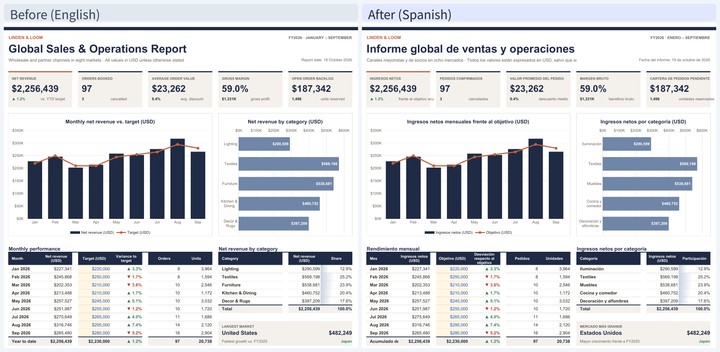
Real files, translated by Doc2Lang — every chart, column and style stays exactly where it was.

ExcelEnlargeExcel financial dashboard translated from English to Japanese with pie charts, bar charts and formulas intact
A financial report — numbers, formulas and every chart stay exactly where they were.
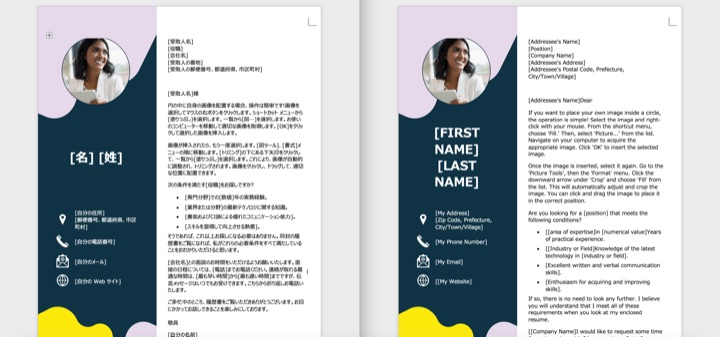
WordEnlargeWord résumé translated from Japanese to English with the profile photo, colours and bullet layout preserved
A designed résumé — the photo, colour blocks and bullet lists keep their exact layout.
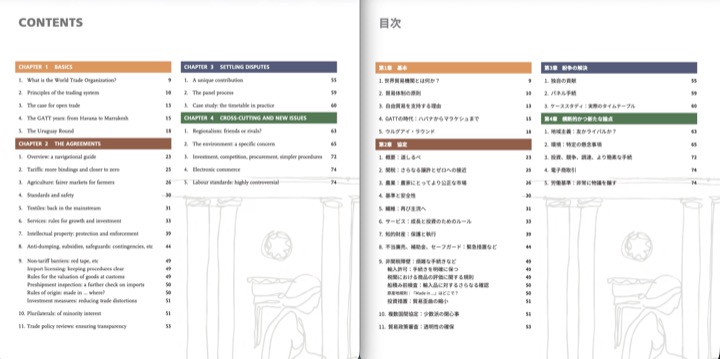
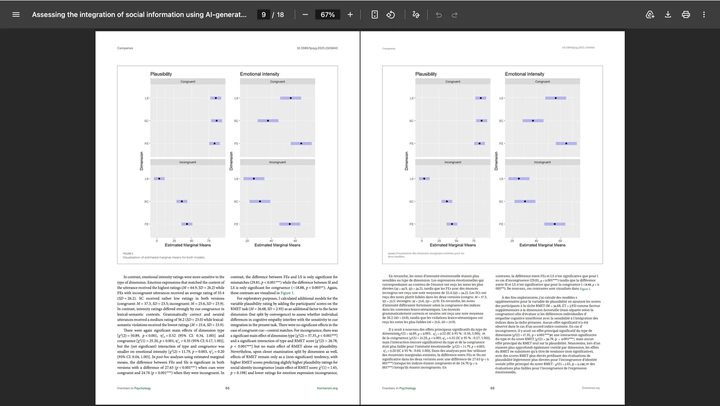
PDFEnlargePDF table of contents translated from English to Japanese with coloured chapter headings and page numbers preserved
A multi-column table of contents — headings, colours and page numbers keep their positions.
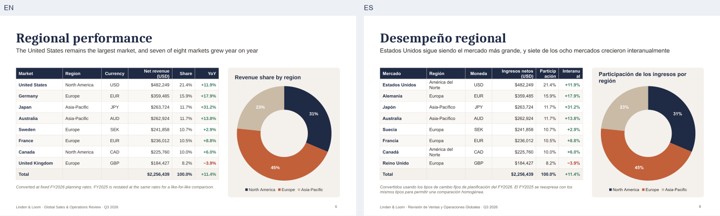
PowerPointEnlargePowerPoint company-overview slide translated from Japanese to English with stat cards and layout preserved
A pitch-deck slide — the stat cards, colours and headline hierarchy stay exactly in place.
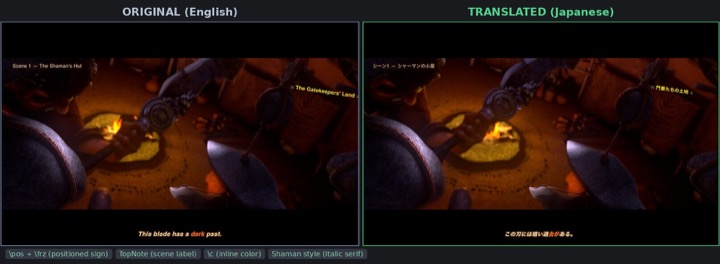
SubtitlesEnlargeASS video subtitles translated from English to Japanese with positioned signs, colours and italic styling kept
Styled subtitle frames — positioned signs, inline colours and italics survive; only the words change.
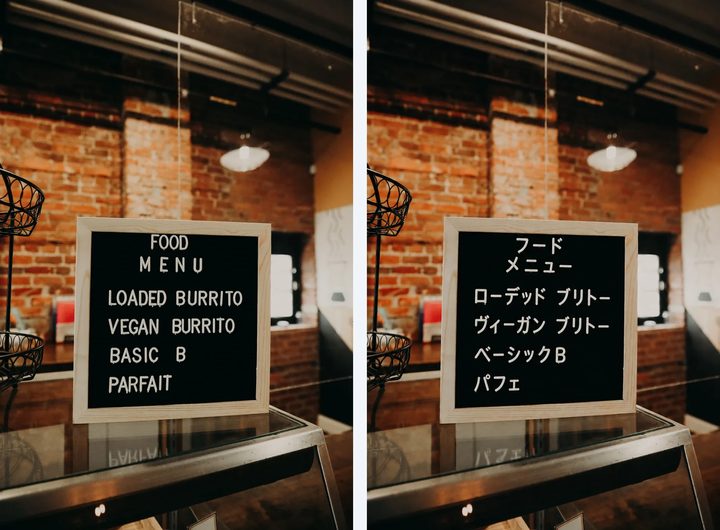
ImageEnlargeManga page translated from Japanese to English with speech bubbles replaced and the artwork untouched
Text baked into an image — detected, translated and redrawn while the artwork stays intact.

Most popular

Start with our two strongest tools

Excel

Turn a Japanese budget workbook into English without breaking a single formula or pivot chart.

Translate Excel files with formulas and charts intact →
EPUB

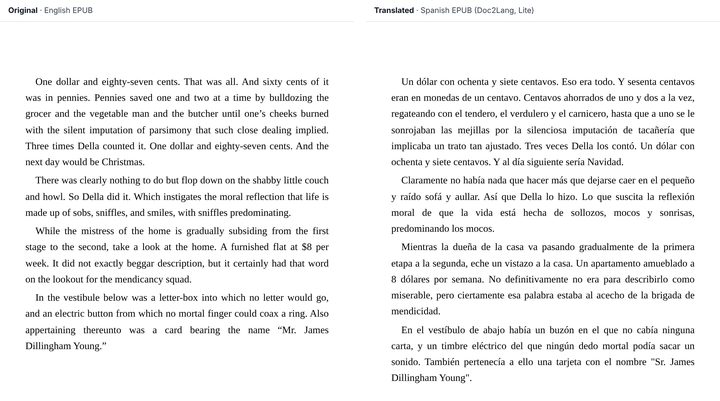
Read a foreign-language novel in your own language, with the chapters and contents page still working on Kindle.

Translate an EPUB book and keep chapters readable on Kindle →

Honest comparison

How Doc2Lang compares

Each tool is better at different jobs. Here is an honest side by side.

 Doc2LangDeepLGoogle Translate
Supported file formats20+ (PDF, Office, EPUB, subtitles, IDML…)PDF, Word, PPTWord, PDF, Excel, PPT
Keeps original layout Charts, formulas, TOCPartialPartial
Automatic term extraction Auto-detected per file + custom glossaryManual glossary (Pro); extracts only from a past-translation corpusNone in the free web app
Signup required NoFor document translationNo
SubscriptionNo — pay per fileYes (free tier is limited)Free
Free preview before paying YesUses a monthly quotaN/A
Price per fileFrom $2.90, pay per fileMonthly subscriptionFree
Best when you need…formatted documents you can preview before payingpolished prose — DeepL is widely praised for nuance in general texta quick, free gist of short plain text with no formatting

Pay per file

No subscription, ever.

Free preview

See the quality before you pay.

Simple pricing

From $2.90 per file — final price shown before you pay.

See full pricing →

Your data, your control

Your documents stay yours

HTTPS encrypted transfer
Every upload and download is encrypted in transit.
Delete your files anytime
Remove uploaded documents from our servers whenever you want.
Never used to train public AI models
Your content is translated, not harvested for training.

FAQ

Frequently asked questions

How do I translate a PDF without losing the formatting?
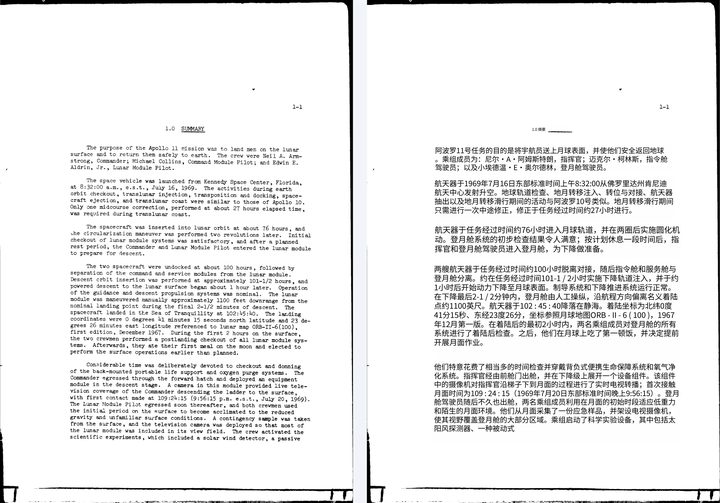
Upload the PDF and the translation keeps its multi-column layout, fonts and graphics. Scanned or image-only PDFs are read with built-in OCR before translating, so text embedded in images is handled too. Translate a PDF while keeping its layout.
Can I translate an EPUB book and read it on Kindle?
Yes. EPUB translation preserves the table of contents and chapter structure, and the output opens on Kindle, Kobo and other major e-readers. Translate an EPUB book for Kindle and Kobo.
How much does it cost to translate an Excel file?
Pricing is pay-per-file with no subscription — you are billed by token count. The faster Lite model starts at a $2.90 minimum per file (up to about 80% cheaper on documents), while the standard model has a $5 minimum; members have no minimum. You can preview a sample of the translation for free before paying. Translate an Excel file with formulas intact.
Is it safe to upload confidential documents?
All file transfers are encrypted over HTTPS, you can delete your uploaded files at any time, and your content is never used to train public AI models.
Which languages can I translate between?
The AI document translator handles over 100 languages, from common ones like English, Spanish and Chinese to more specialised pairs.
Can I translate several files at once?
Yes. Upload a ZIP archive containing multiple files and the system extracts them automatically so you can choose which ones to translate. Learn how batch ZIP translation works.

Start translating your documents

Upload a file and preview the translation free — no account, no subscription.
From $2.90 per file · No signup required